I was running a local AI agent on my homelab when I hit a familiar wall. I asked it to summarize a file from my NAS. It could not see the file. I asked it to search the web for the latest Gemini release. It had no internet access. I asked it to check my GitHub repo for open issues. Same problem. Each of these required me to build a separate integration - custom Python scripts, API wrappers, authentication handling. Every new tool meant starting from scratch.
Then Anthropic released the Model Context Protocol (MCP), and the integration model flipped entirely. Instead of building custom bridges for every connection, MCP provides a single standardized protocol for AI models to discover and interact with tools and data sources. I now run multiple MCP servers on my homelab - for local files, web search, GitHub, documentation research - and every AI agent in my system can use all of them without a single line of glue code per tool.
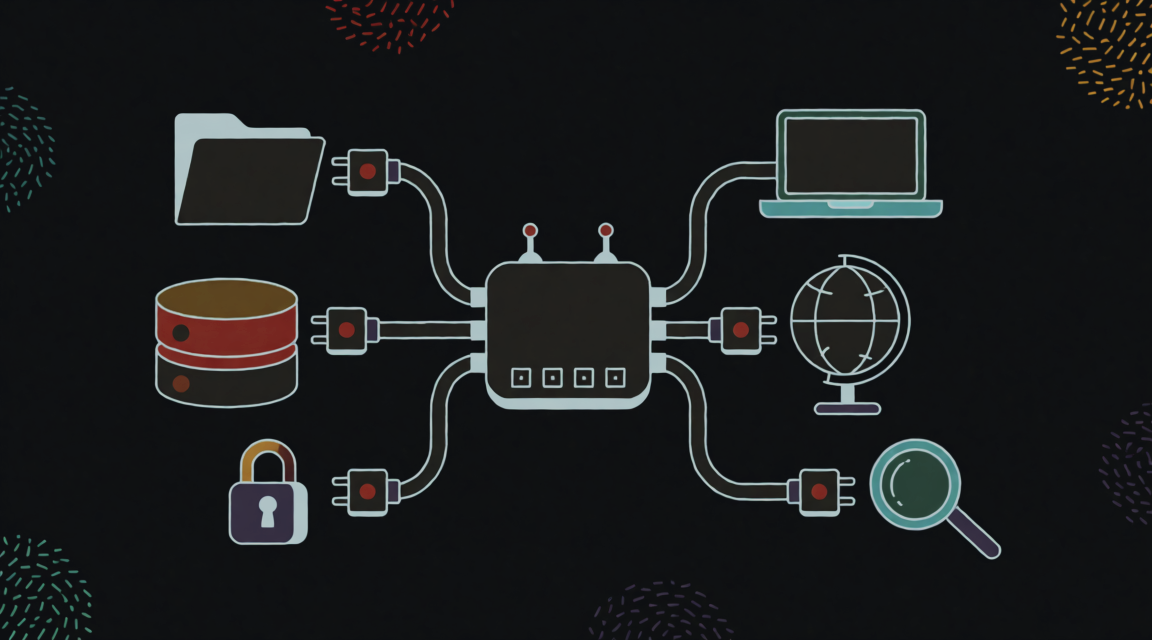
TL;DR: MCP is the USB standard for AI. It lets models connect to data sources and tools (local files, GitHub, databases, web search) using a single protocol. Your AI gets real-time, relevant information without developers building custom connections for every tool - and without handing sensitive API keys to the AI provider.
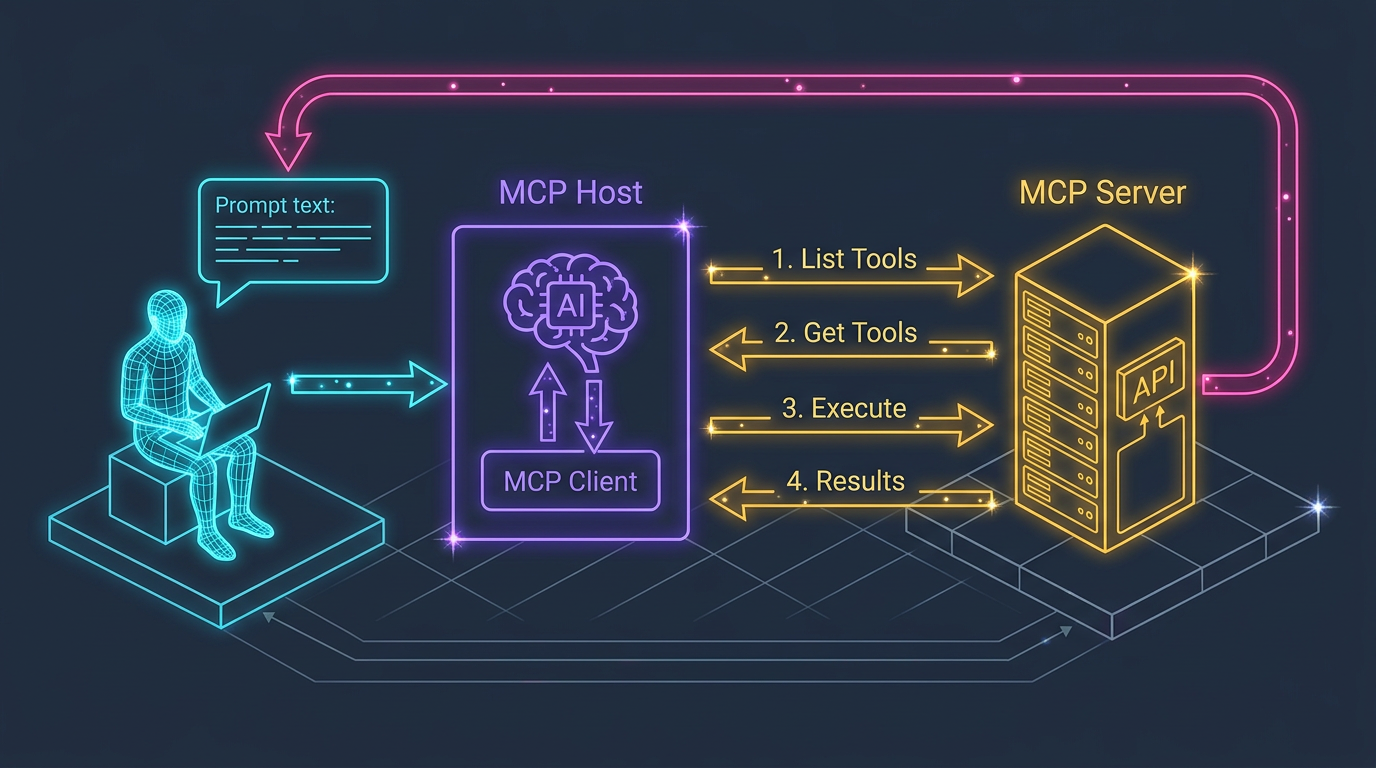
How Does MCP Actually Work?
flowchart TD
    U[User] -->|Query| H[MCP Host]
    H -->|Forwards| A[AI Agent]
    A -->|1/ List tools| C[MCP Client]
    C -->|Request| S[MCP Server]
    S -->|2/ Available tools| C
    A -->|3/ Execute tool| C
    C -->|Request| S
    S -->|4/ Calls API| T[External Tool / Data]
    T -->|Results| S
    S -->|5/ Returns results| C
    C -->|Context enriched| A
    A -->|Smart answer| U
The architecture has three core components:
| Component | Role | Example |
|---|---|---|
| MCP Host | Environment where the AI application runs | Claude desktop app, Agent Zero |
| MCP Client | The messenger within the AI app that speaks MCP | Built into the host |
| MCP Server | Manages access to specific tools or data sources | File system server, GitHub server, Brave search server |
What Does a Real Interaction Look Like?
Here is what happens when you ask an MCP-powered AI: “What is great about Google’s latest Gemini 2.5 Pro?”
- Your question enters the MCP Host
- The AI Agent recognizes it needs current information
- It asks the MCP Server: “What tools do you have?” - gets back a list including
brave_web_search - It requests: “Search for Gemini 2.5 Pro features, give me 5 results”
- The MCP Server securely calls the Brave Search API and returns results
- The AI combines your original question with the fresh search results
- You get a detailed, up-to-date answer
The key security insight: the MCP Server controls its resources. Your API keys never touch the AI model provider - the server handles authentication independently. This distinction matters more than most people realize. But how does this compare to the traditional approach of building custom integrations?
Why Is MCP a Game Changer?
| Aspect | Traditional Integration | MCP |
|---|---|---|
| Integration effort | Custom code per tool | Integrate once with MCP |
| API key exposure | Keys shared with AI provider | Keys stay with MCP Server |
| Tool discovery | Hardcoded | Dynamic - AI discovers available tools |
| Standardization | Proprietary per platform | Open standard |
| Scaling tools | Linear effort increase | Near-zero marginal cost |
The “near-zero marginal cost” row is the one that changes everything. On my homelab, when I add a new MCP server - say, for Jira or calendar access - every agent in my system can immediately use it. No code changes, no redeployment, no reconfiguration. The agent discovers the new tools automatically at the next conversation. According to Anthropic’s MCP documentation, over 1,000 community-built MCP servers already exist, covering everything from databases to cloud services to productivity tools. That ecosystem effect is what turns MCP from a nice protocol into a transformative standard.
What Can You Actually Build with It?
MCP is not theoretical. Here are patterns that work in practice:
| Pattern | What It Enables | Why It Matters |
|---|---|---|
| Code Development Workflows | AI creates repos, writes boilerplate, creates branches, pushes code - in a single conversation | Eliminates context-switching between AI chat and terminal |
| Intelligent Data Queries | “Query our SQLite database for customers who ordered product X last month” | Secure interaction with local data without exposing the database |
| Internal Knowledge Assistants | AI queries company databases, checks Jira, summarizes Slack, accesses internal docs | One interface for all organizational knowledge |
| Automated Orchestration | AI coordinates tasks across platforms based on natural language | Turns multi-tool workflows into single conversations |
What Are the Honest Trade-Offs?
No technology is without friction. Here is what I have found after running MCP daily:
| Strength | Challenge |
|---|---|
| Radically simplifies AI-to-tool integration | Initial server setup can be non-trivial for less technical users |
| Keeps credentials secure - server manages access, not the AI provider | A poorly configured server could become a performance bottleneck or security risk |
| Extensible with Prompts, Tools, and Sampling features | The standard is still evolving - expect breaking changes |
| Handles diverse data: files, database records, API responses, images, logs | Success depends on widespread adoption (network effect) |
The evolution concern is real but manageable. I have had to update my MCP server configurations when the protocol spec changed, but the updates have been straightforward so far. The adoption concern is rapidly becoming irrelevant - with Anthropic, OpenAI, Google, and Microsoft all supporting or endorsing MCP, the network effect is building fast.
Key Takeaways
- MCP is the USB of AI. A universal standard that replaces per-tool custom integrations with a single protocol.
- Security is the underrated feature. API keys stay with the MCP Server, never touching the AI model provider. This alone justifies the protocol for enterprise use.
- Near-zero marginal cost for new tools. Add a server, and every agent immediately discovers it. This is the compound advantage.
- The ecosystem is real. 1,000+ community servers and growing, backed by every major AI provider.
- Start small, expand naturally. One MCP server for one use case is enough to see the value.
Next time you find yourself writing a custom script to give your AI access to a tool, stop. Check if an MCP server already exists for it. Chances are, someone has already built one - and connecting it takes minutes, not hours. That shift from “build every bridge” to “plug in a standard” is what makes MCP worth understanding.
You May Also Like
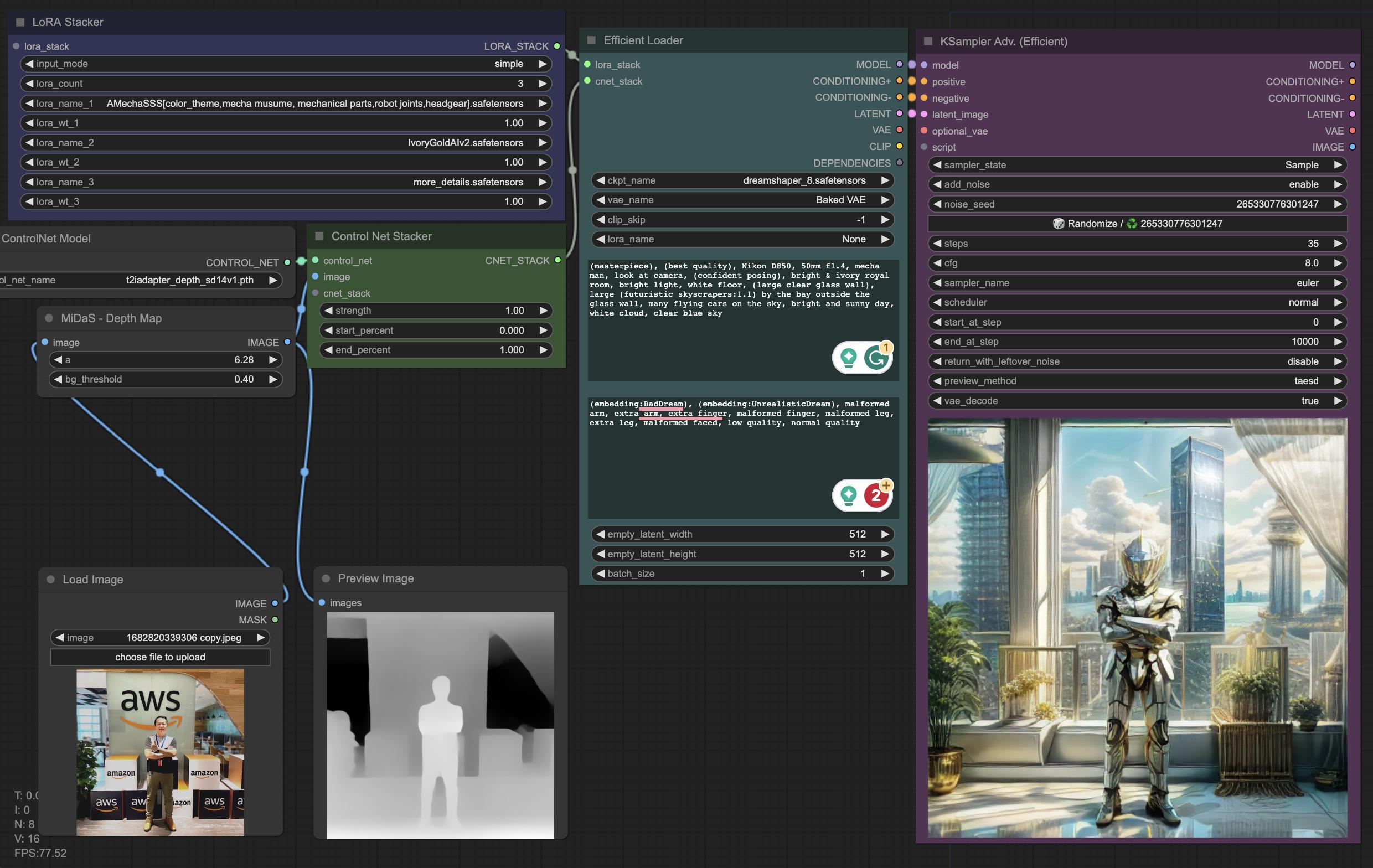
Fun Things To Do With Self-Hosted Generative AI
Weekends are my time to break things and build things. My homelab runs a full generative AI stack - models, workflows, UIs - and I use that freedom to experiment with stuff that commercial services …
Read More: Fun Things To Do With Self-Hosted Generative AI

Tech Debt: From a Technical Jargon to Real-World Impacts
I recently gave a presentation at my company about tech debt - sharing knowledge, techniques, and experiences on how to manage it properly and efficiently. The response convinced me to write this up …
Read More: Tech Debt: From a Technical Jargon to Real-World Impacts